

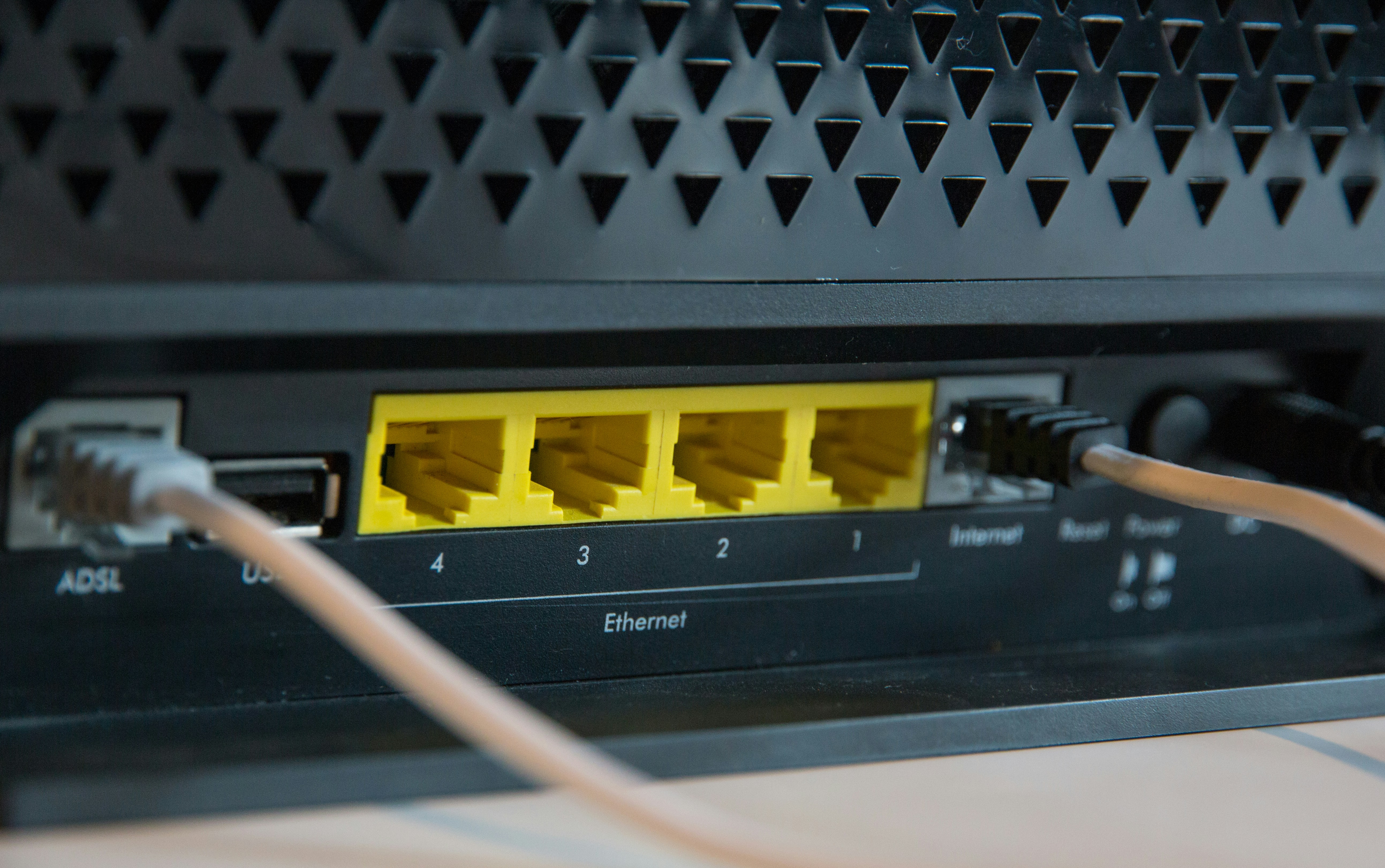
In today’s digital age, a secure Wi-Fi network is essential to protect your personal information and ensure seamless internet access. Hackers and cybercriminals are constantly looking for vulnerabilities, so it’s crucial to take proactive steps to secure your Wi-Fi. Here’s a step-by-step guide to safeguarding your wireless network.
1. Change the Default Router Credentials
Most routers come with default usernames and passwords that are easy for hackers to guess. Change your router’s login credentials to something strong and unique to prevent unauthorized access.
2. Use a Strong Wi-Fi Password
A weak Wi-Fi password makes it easy for intruders to gain access to your network. Use a combination of uppercase and lowercase letters, numbers, and special characters. Avoid using easily guessed passwords like “password123” or “admin.”
3. Enable WPA3 or WPA2 Encryption
Wi-Fi encryption helps protect your data from being intercepted. WPA3 is the latest and most secure encryption standard, but if your router doesn’t support it, WPA2 is still a strong alternative. Avoid using outdated security protocols like WEP, which can be easily hacked.
4. Hide Your SSID (Network Name)
By default, routers broadcast their network names (SSIDs), making them visible to anyone nearby. Hiding your SSID makes it harder for unauthorized users to find and attempt to connect to your network.
5. Enable MAC Address Filtering
Every device has a unique MAC address. You can configure your router to only allow specific MAC addresses to connect to your Wi-Fi, adding an extra layer of security.
6. Keep Your Router’s Firmware Updated
Manufacturers release firmware updates to fix security vulnerabilities and improve performance. Regularly check for updates and install them to keep your router secure.
7. Disable Remote Management
Many routers allow remote access for configuration purposes. Unless you specifically need this feature, disable it to prevent hackers from accessing your network remotely.
8. Set Up a Guest Network
If you frequently have visitors who need Wi-Fi access, create a separate guest network. This prevents guests from accessing your main network, where personal devices and sensitive information are stored.
9. Monitor Connected Devices
Regularly check the list of devices connected to your network. If you notice any unfamiliar devices, investigate and remove them if necessary.
10. Consider Using a VPN
A Virtual Private Network (VPN) encrypts your internet traffic, adding an extra layer of security when browsing online. This is especially useful when using public Wi-Fi networks.
By implementing these measures, you can significantly enhance the security of your Wi-Fi network and protect your personal data from cyber threats. Stay vigilant and keep your network settings updated to maintain a safe and secure internet experience.
For more information or assistance with securing your Wi-Fi, feel free to contact us!